Laboratory (LIS)
Lab Results Entry
Captures results manually or from analysers, validates against ranges, and releases reports.
Key fields
- Result value
- Flag (H/L/critical)
- Validated by
- Released at
Workflow
- 01Enter / import result
- 02Auto-flag vs range
- 03Validate
- 04Release report
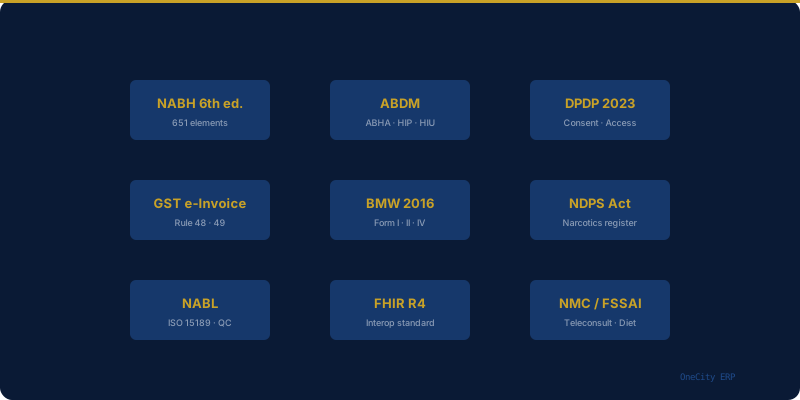
Compliance
- NABL — ISO 15189
AI assist
Roadmap: delta-check anomaly flags.
Questions
Who can release a report?+
Only authorised roles, recorded against the release.
Every OneCity module ties into the same shared patient record and compliance tracking, not a separate silo. For how this fits your broader accreditation planning, see our guide to NABH accreditation software. If you are still working out rollout timing, our guide to realistic ERP implementation timelines covers how modules like this one typically get sequenced. Pricing for this module is included from the Starter tier upward — see the full pricing breakdown, or the complete module list for how it fits alongside everything else.
Related reading
External references
- NABL official website — National Accreditation Board for Testing and Calibration Laboratories
More in Laboratory (LIS)
See Lab Results Entry live.
Book a walkthrough or start free up to 5 doctors.