Appointments & Queue
Appointment Scheduling
Books patients into doctor slots, manages walk-in tokens, and tracks no-shows against the patient master.
Key fields
- Doctor, department
- Slot date/time
- Walk-in vs scheduled
- Status (booked/seen/no-show)
Workflow
- 01Pick doctor + slot
- 02Confirm patient
- 03Issue token
- 04Mark seen / no-show
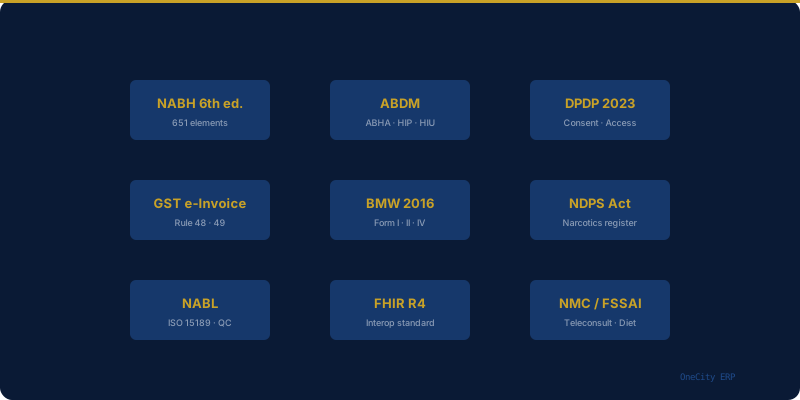
Compliance
- DPDP Act 2023
AI assist
Roadmap: no-show prediction to overbook safely.
Questions
Can a doctor block time off?+
Yes, calendars support blocks and leave so booking can't fill unavailable slots.
Every OneCity module ties into the same shared patient record and compliance tracking, not a separate silo. For how this fits your broader accreditation planning, see our guide to NABH accreditation software. If you are still working out rollout timing, our guide to realistic ERP implementation timelines covers how modules like this one typically get sequenced. Pricing for this module is included from the Starter tier upward — see the full pricing breakdown, or the complete module list for how it fits alongside everything else.
Related reading
External references
- DPDP Act 2023 — MeitY — Ministry of Electronics and IT — data protection
More in Appointment & Queue
See Appointment Scheduling live.
Book a walkthrough or start free up to 5 doctors.